- Your cart is empty
- Continue shopping

🎉 Summer Special! Use code NEXA26 at checkout and save! Dismiss
The ultimate visual guide to fast and secure crypto payments.
Open Cash App and tap the Money tab (house icon) on the bottom left. From there, select the Bitcoin tile to enter the crypto section.
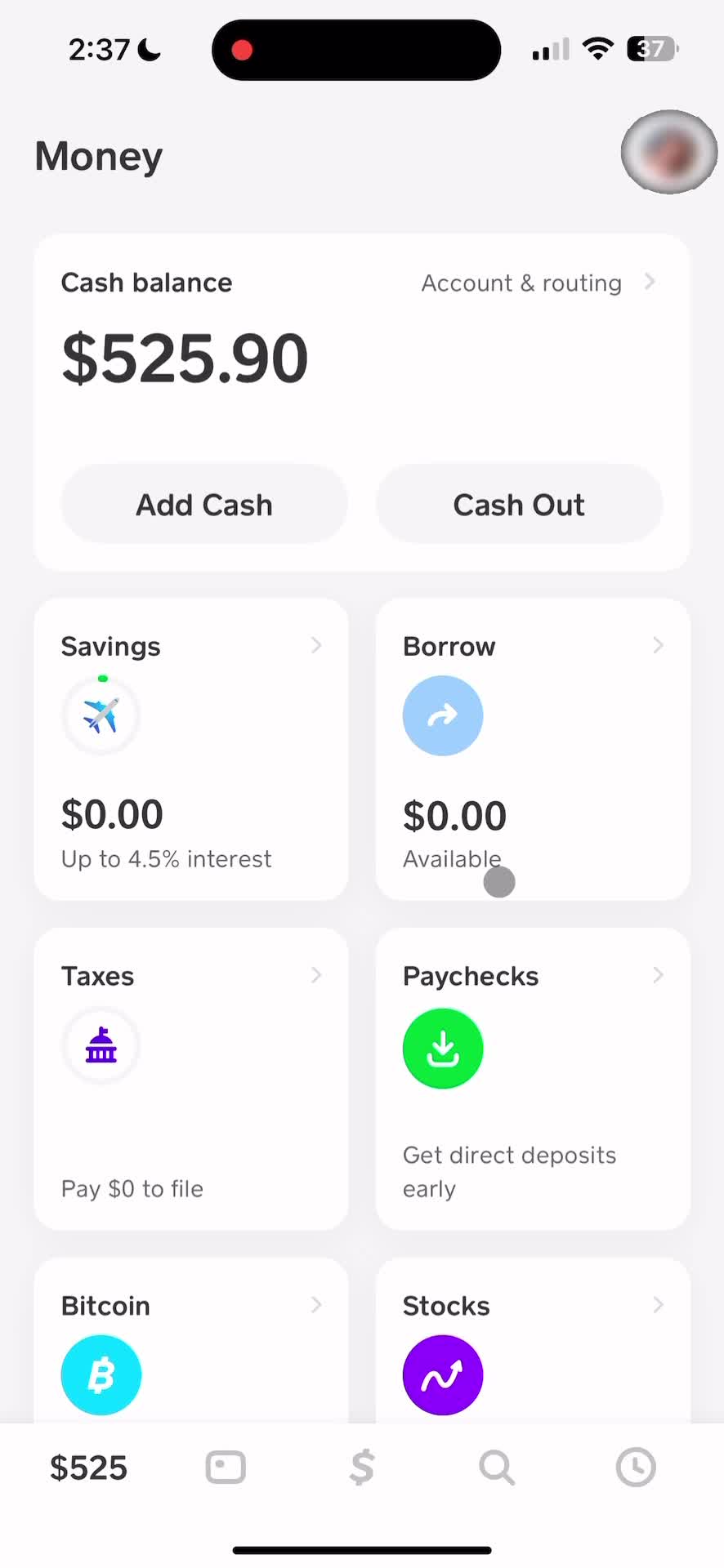
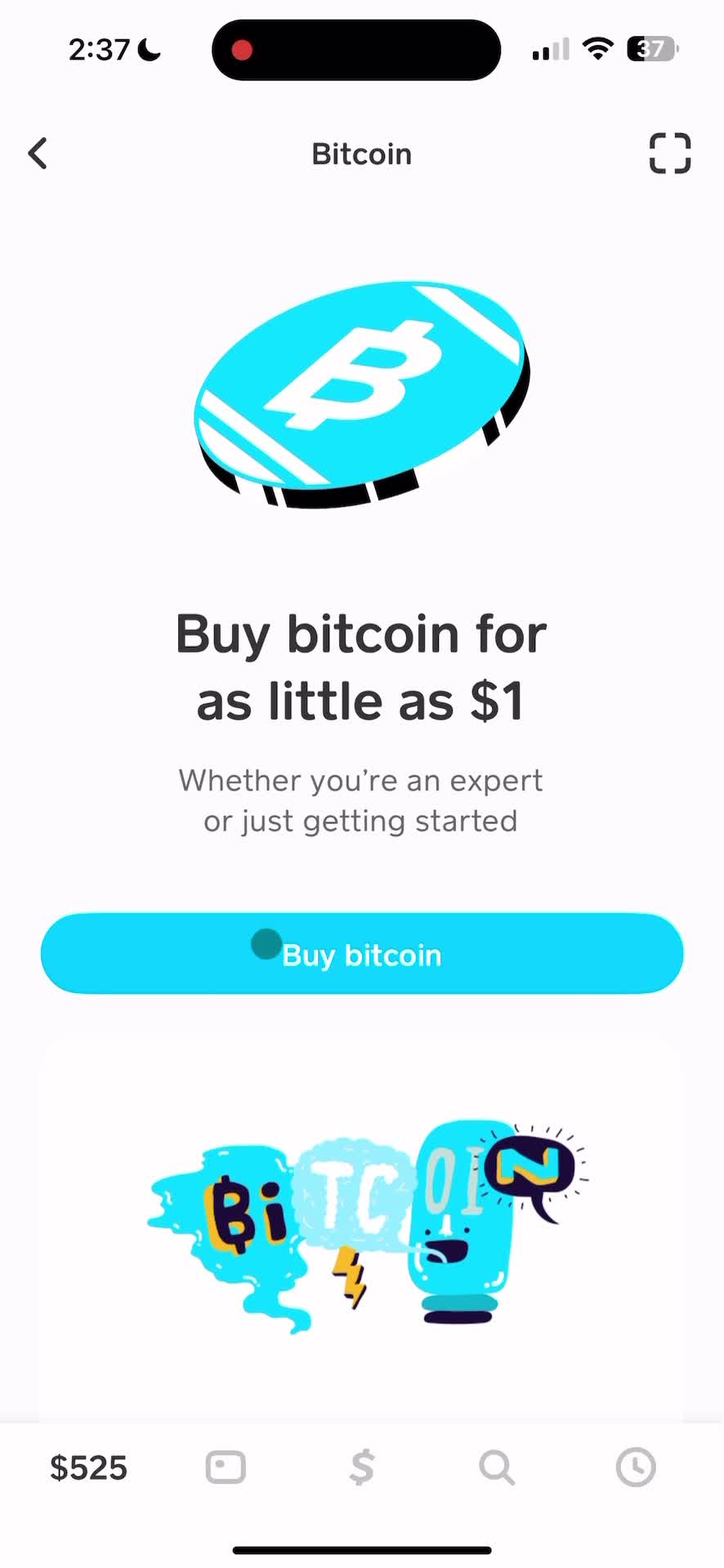
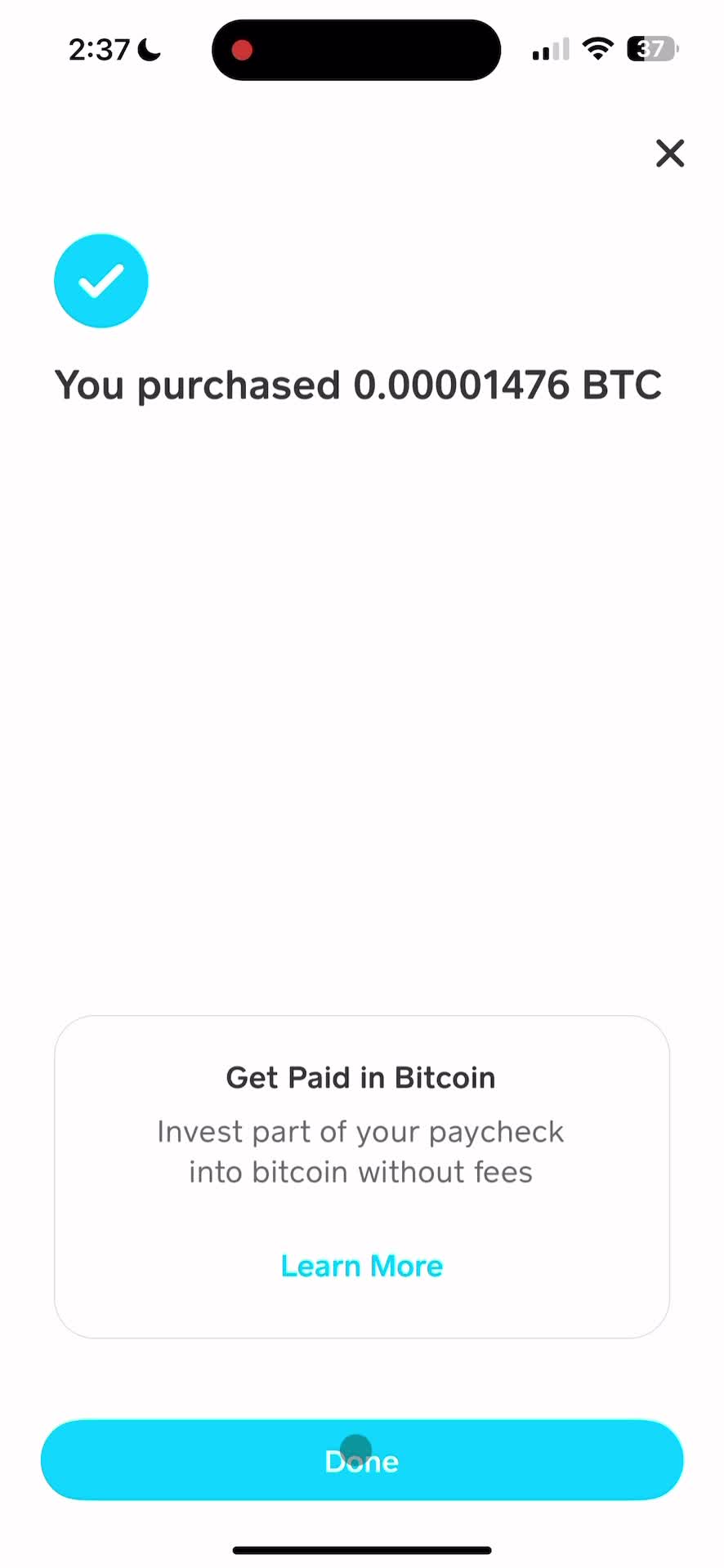
Once you're in the Bitcoin section, you'll see options to Buy or Send/Receive Bitcoin. Tap Buy BTC to purchase Bitcoin.
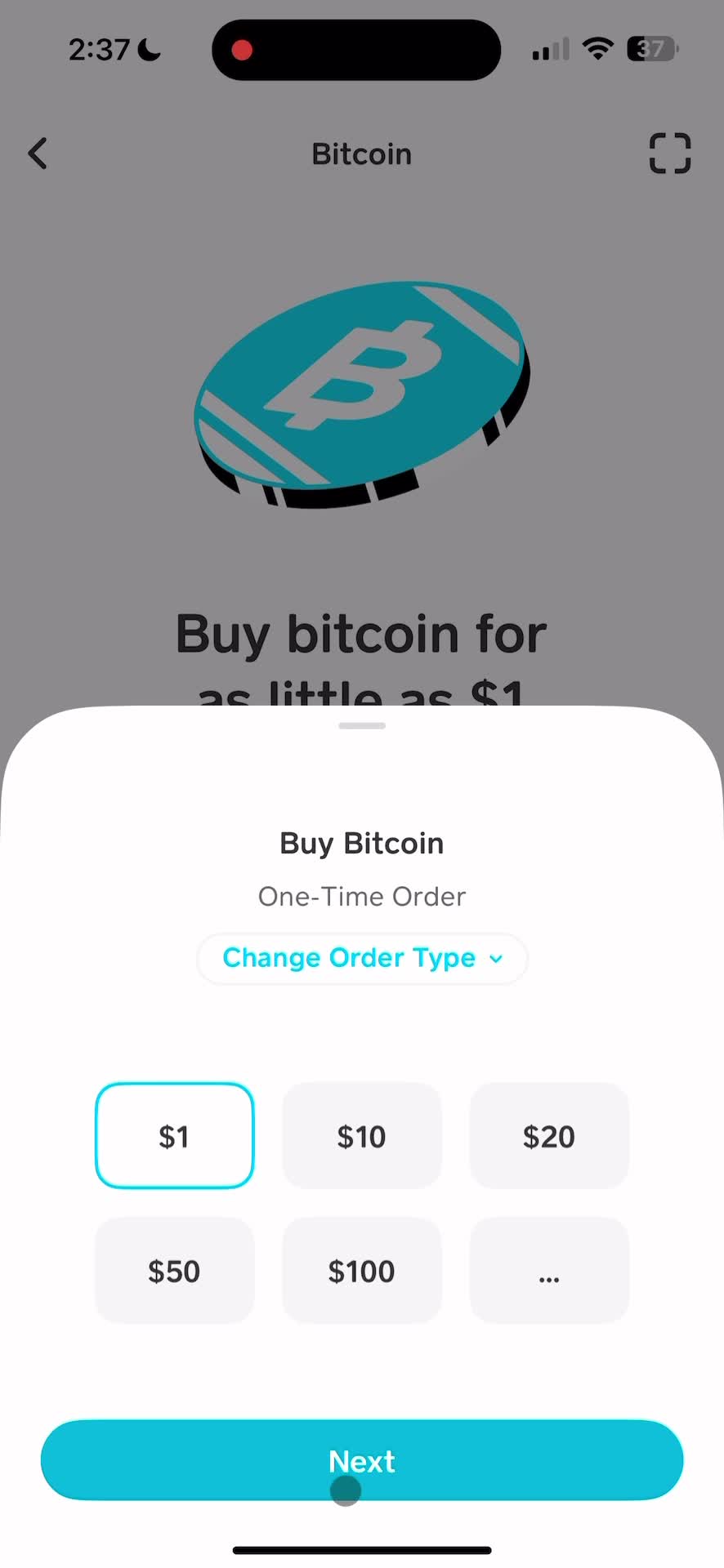
Select how much Bitcoin you'd like to purchase. You can start with as little as $1. Review the amount and tap to proceed with your purchase.
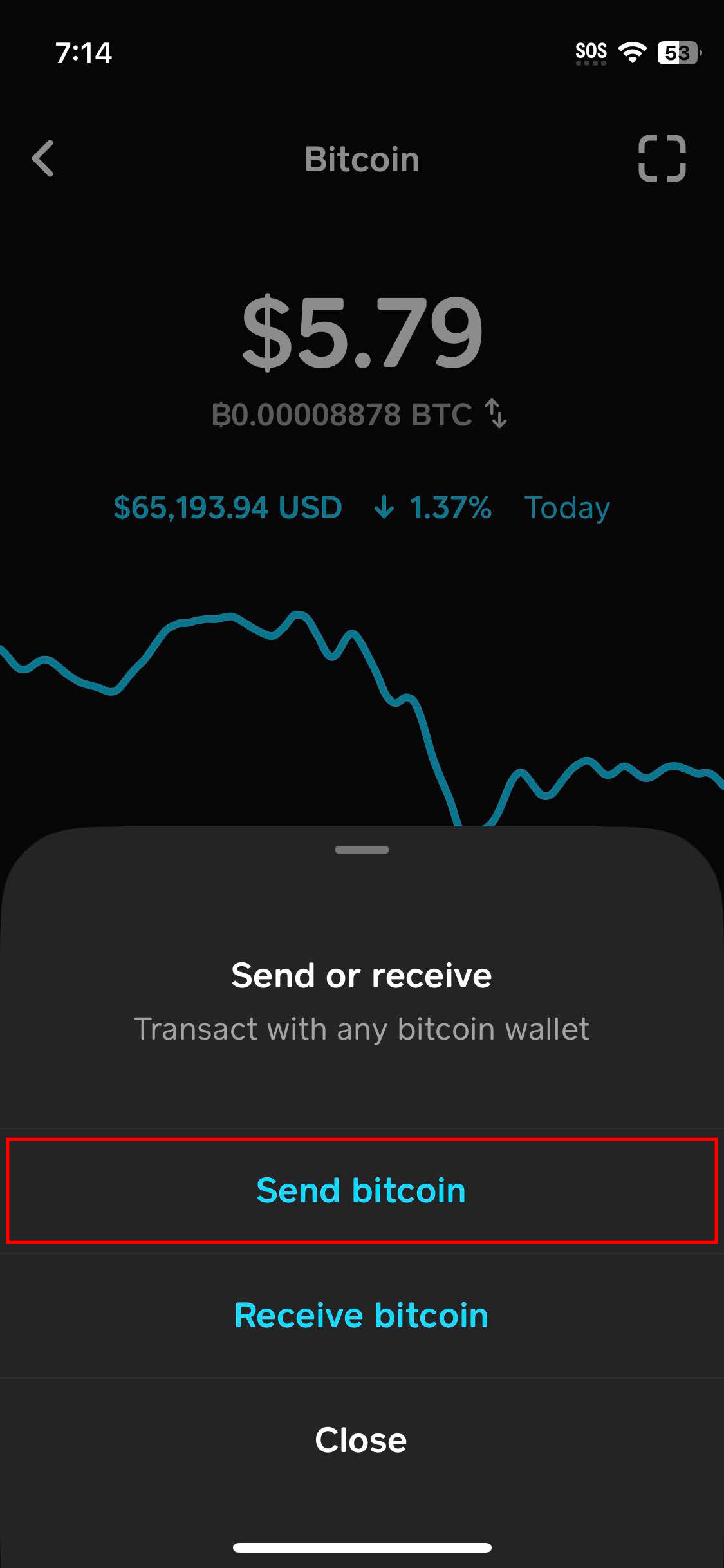
Once you have Bitcoin, tap the Send icon (arrows). You'll be asked if you want to Send or Receive—choose Send Bitcoin.
Enter the recipient's wallet address or scan their QR code. Choose your preferred withdrawal speed (Priority, Rush, or Standard) and confirm the transaction with your PIN.
Pro Tip: Use the QR scanner for the fastest and most accurate way to enter addresses.
~10 Minutes
Best for time-sensitive payments. Higher network fee.
~2 Hours
A great balance of speed and cost for most users.
~24 Hours
Free for transfers over 0.001 BTC. Best for non-urgent sends.
Verify the Address Bitcoin payments cannot be reversed. One wrong character means the money is gone.
Identity Verification Make sure your account is fully verified before trying to send large amounts.